

Overview
Create Account
Sign up for a Replicate account
Get API Key
Generate your Replicate API key
Copy into Create
Add your API key to Create’s secrets
Account Creation
1
Visit Replicate's Website
Go to replicate.com and click “Sign Up” in the top right corner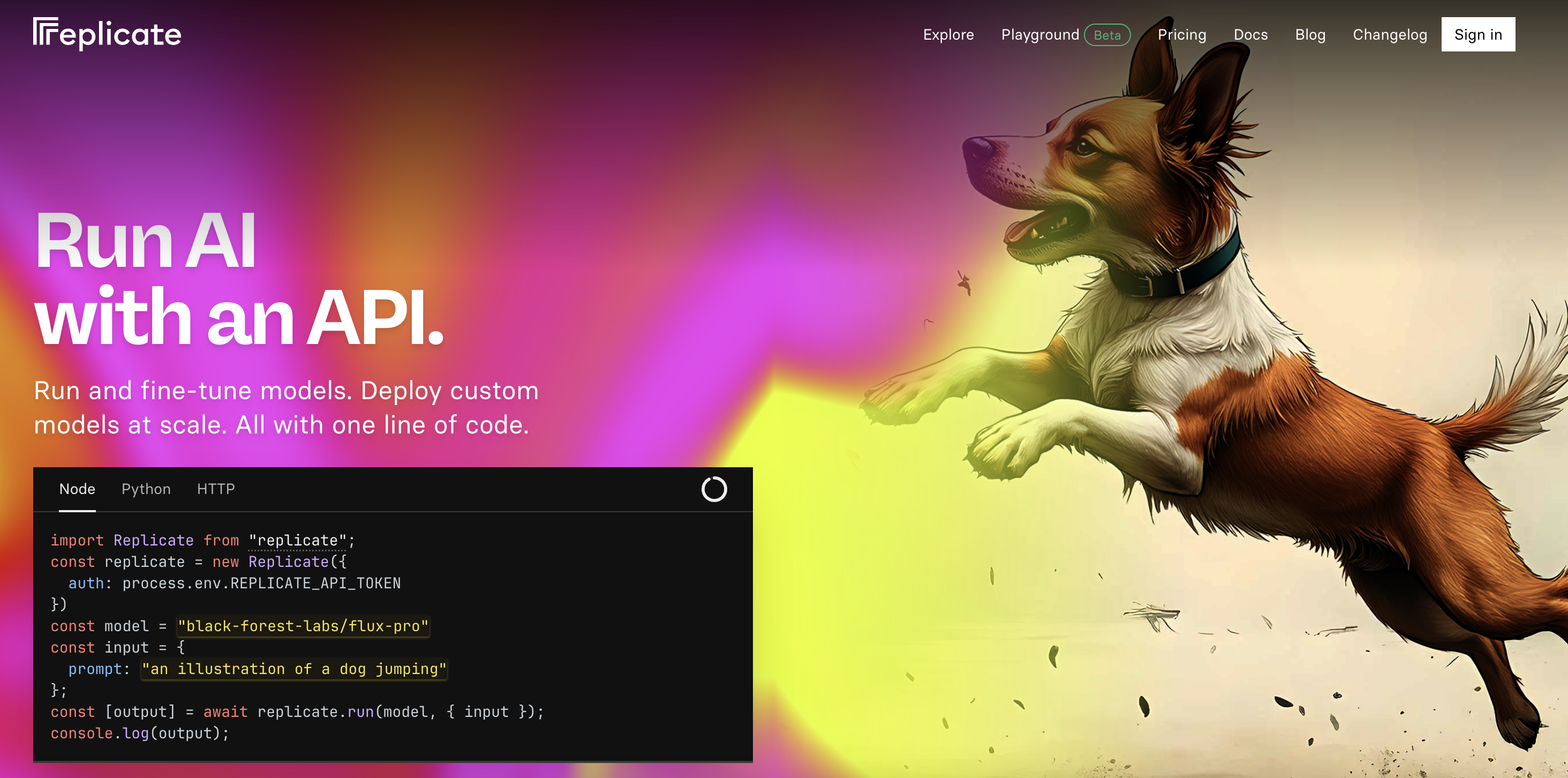
2
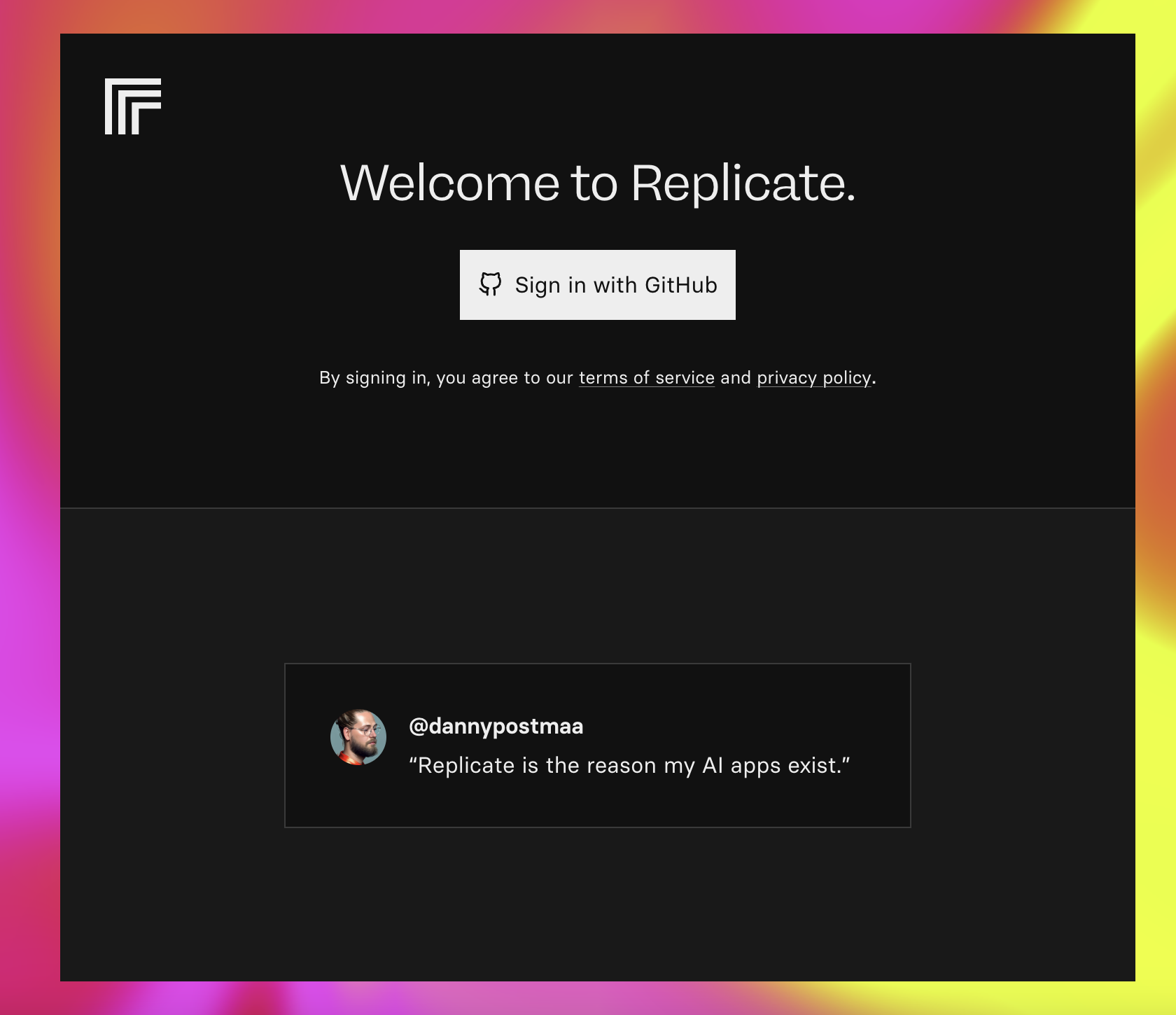
Choose Signup Method
- Sign up with email/password
- Or continue with GitHub authentication
Generate API Key
1
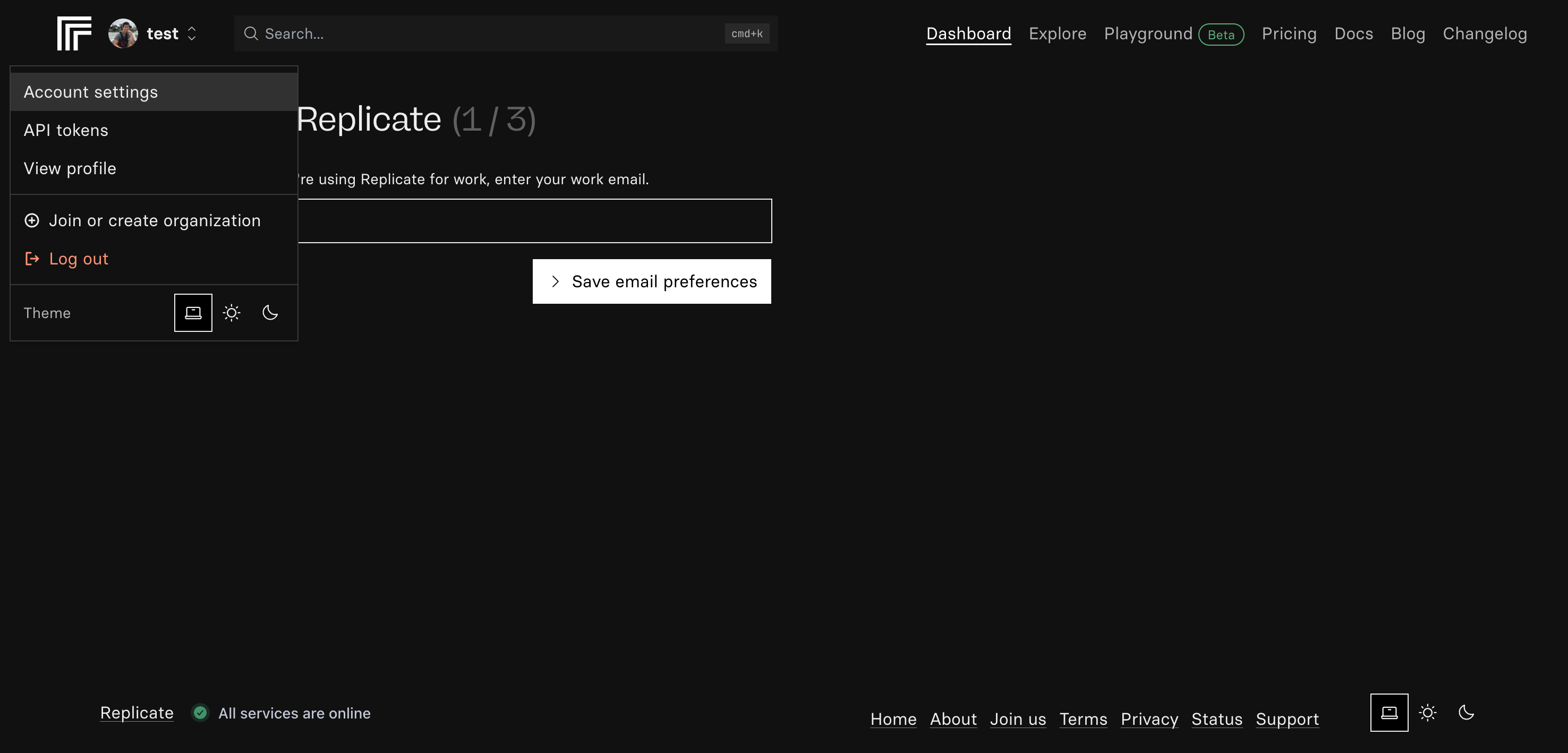
Access API Settings
- Click on your profile icon in the top right
- Select “API” from the dropdown menu
2
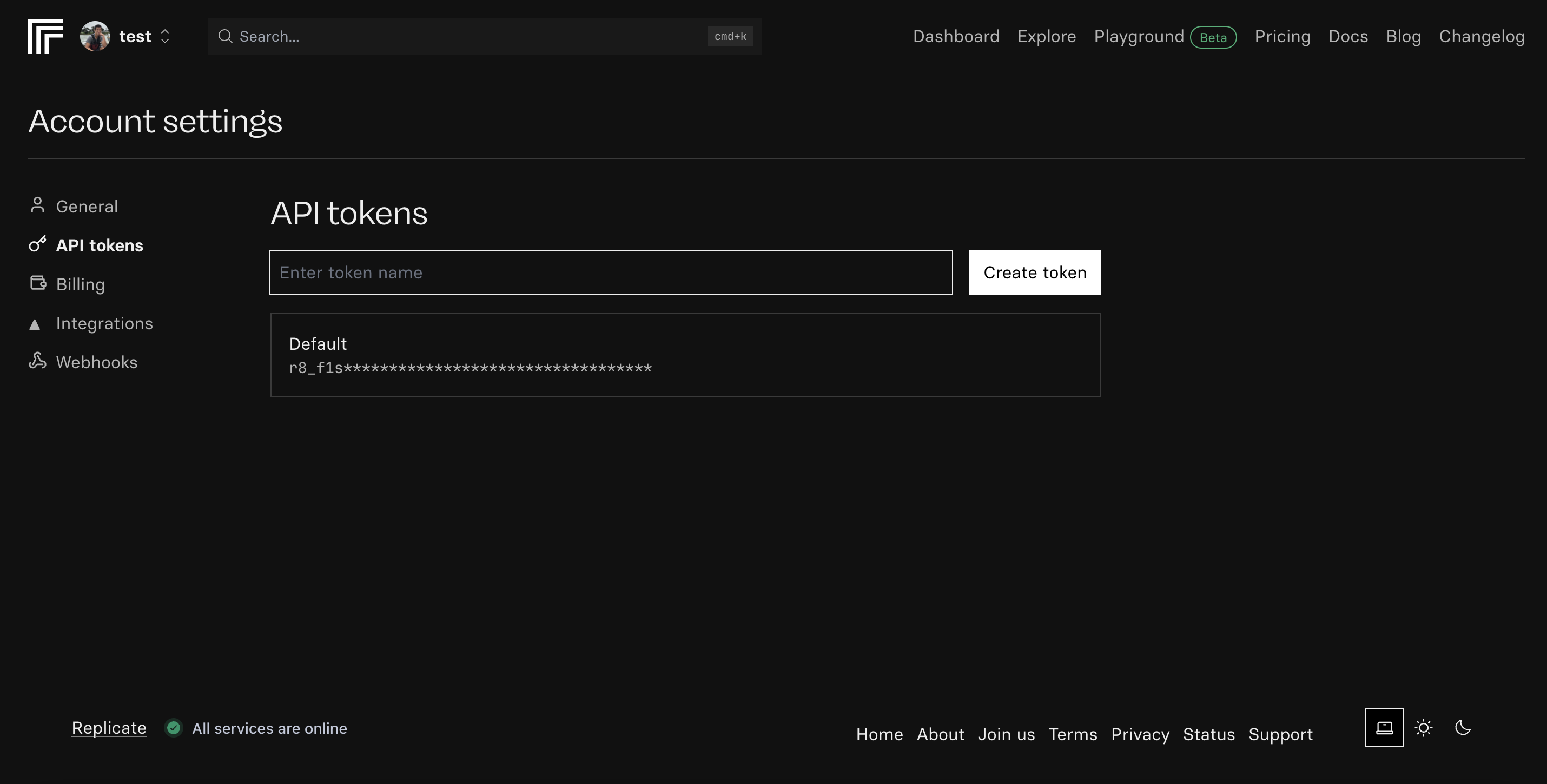
Create New API Key
- Click “Create API Key”
- Name your key (e.g., “Create Integration”)
- Click “Generate”
3
Copy Your Key
- Copy the generated API key
- Store it securely - you won’t be able to see it again
Add to Create Project
1
Add the integration
- In your Create project, type
/in the chat - Select “Background Remover” from the menu
2
Add your API key
- Paste your API key into the “BACKGROUND_REMOVER_API_KEY” field
3
Use it
You can now use prompts with the integration to remove image backgrounds.Some examples:
Remove the background from this product image with /ReplicateBackgroundRemoverCreate a profile photo editor with /ReplicateBackgroundRemoverBuild an image upload form that removes backgrounds using /ReplicateBackgroundRemover
Your Background Remover integration is ready! Use
/ReplicateBackgroundRemover in chat to process images.